

Adding and Sharing Files
How to use Cloud Drive & Files?
The holders of the relevant license get access to the document management module. It consists of two elements:
- Drive — visible only to employees,
- Files — accessible to players, parents, and the coaching staff of a given team.
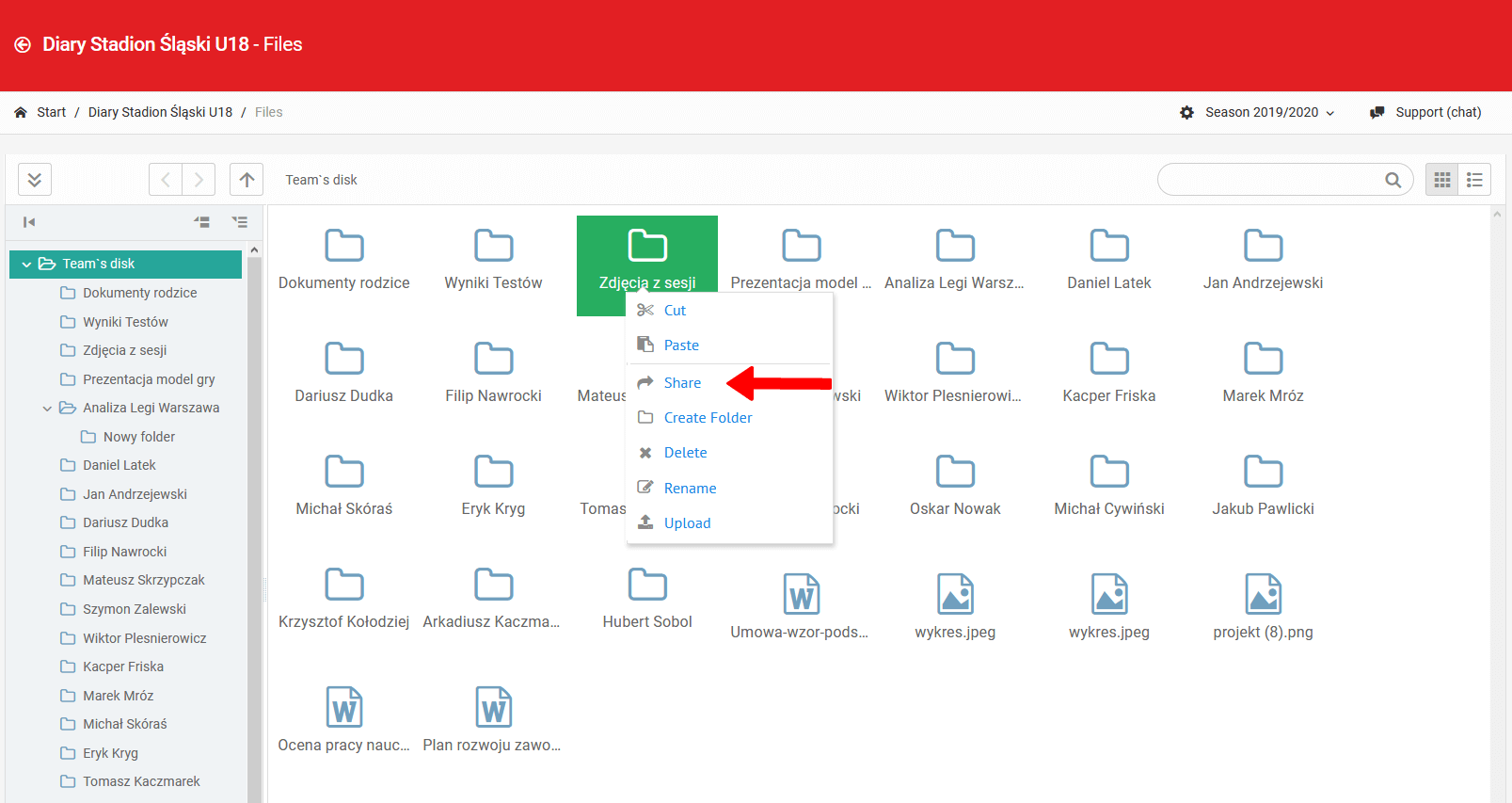
From the level of team files, the staff has the ability to share certain folders with selected user groups (players, parents).
Adding Files
Adding files to the drive is possible in two ways:
- From the locker-room or board — a file added in the locker-room or on the board automatically lands on the virtual drive,
- Dragging a file — drag the file directly from your computer's drive to the ProTrainUp cloud drive.
Deleting Files
Deleting a file is possible by selecting the "Delete" option from the context menu for that file or folder.
Limits & Availability
- No limit to the default disk space,
- The size limit of a single uploaded file depends on the license type,
- The default maximum file size is 30 MB,
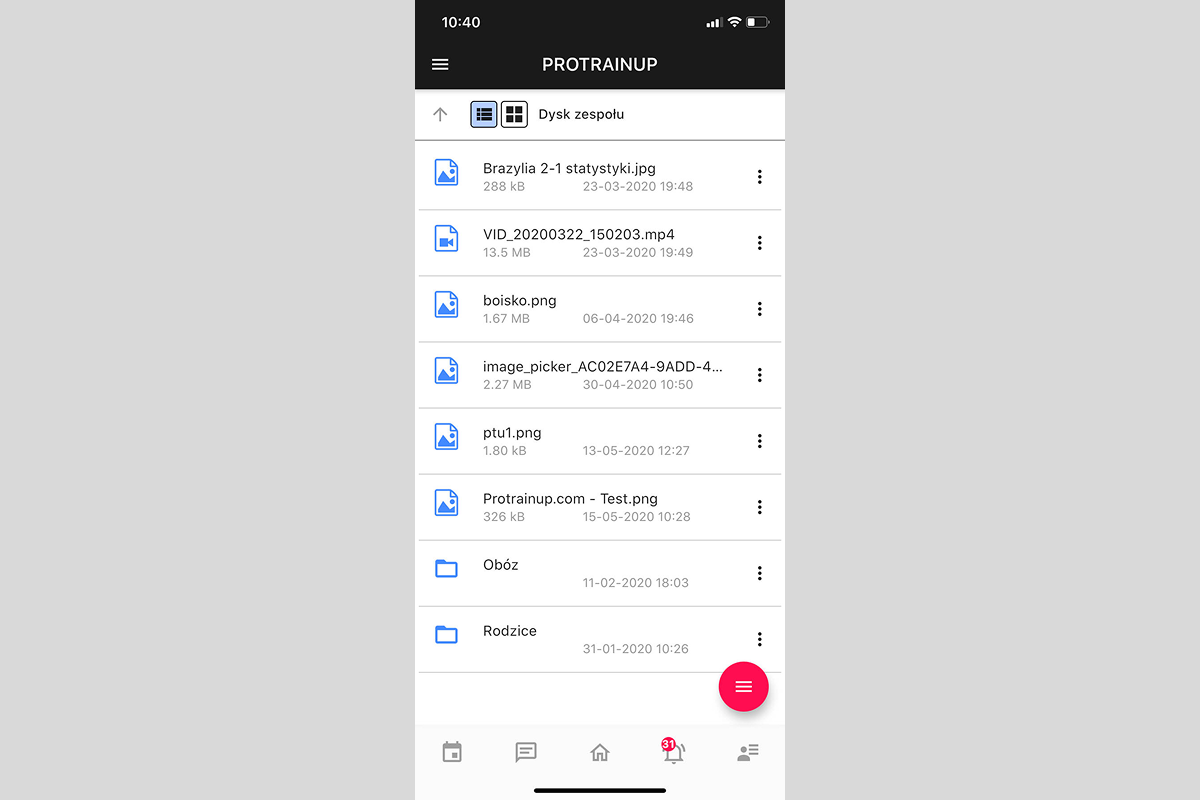
- The files can also be accessed from the mobile application.
Video Guide
Locker Room & Board
The virtual locker room and bulletin board are closed communication spaces for team members and club staff — enabling content and file sharing, as well as initiating group and private conversations.
Working with Projects and Drawings
The tactical creator enables creating projects and field drawings - with a rich set of tools for drawing, adding players and equipment, and saving completed work to a private exercise library.